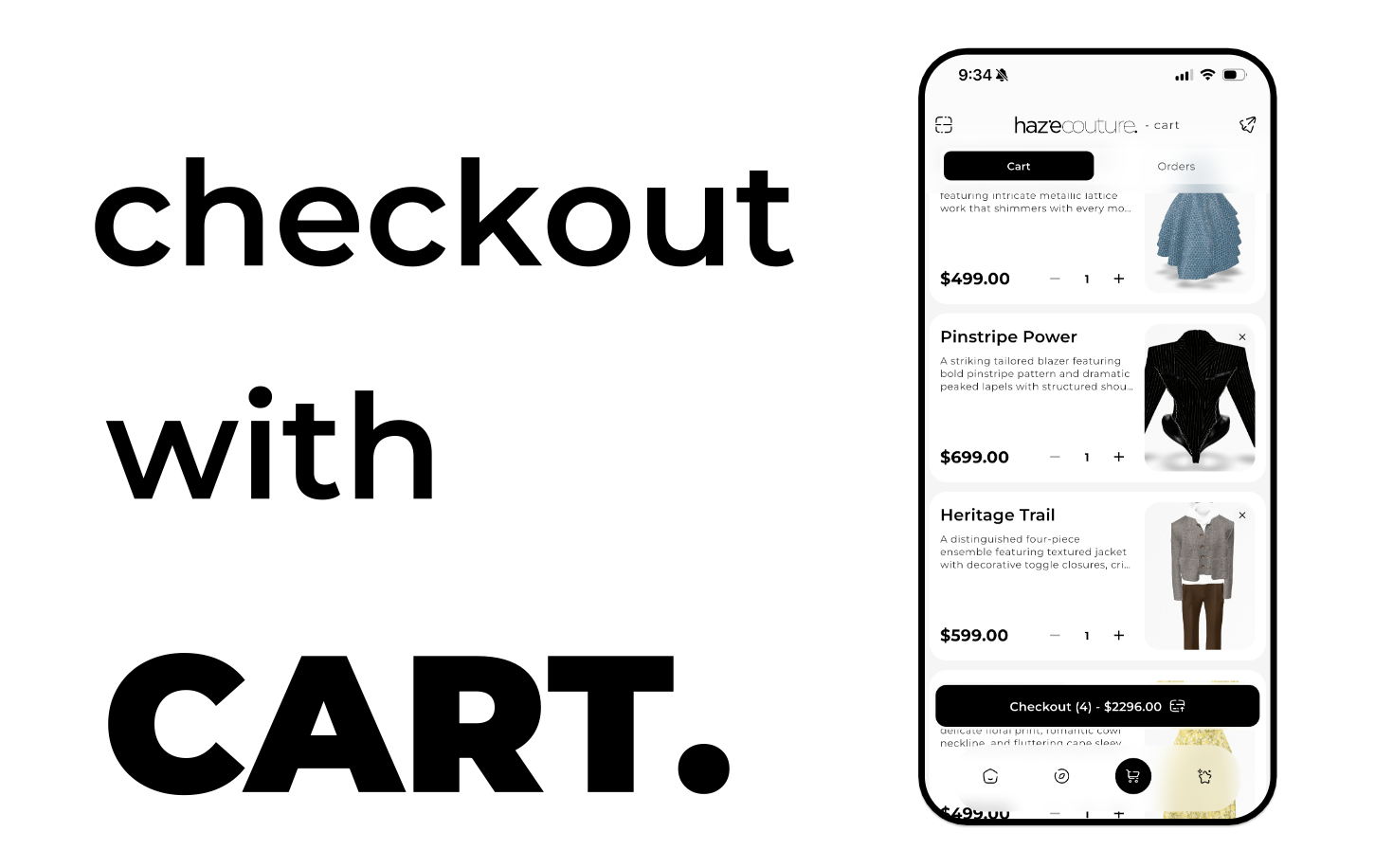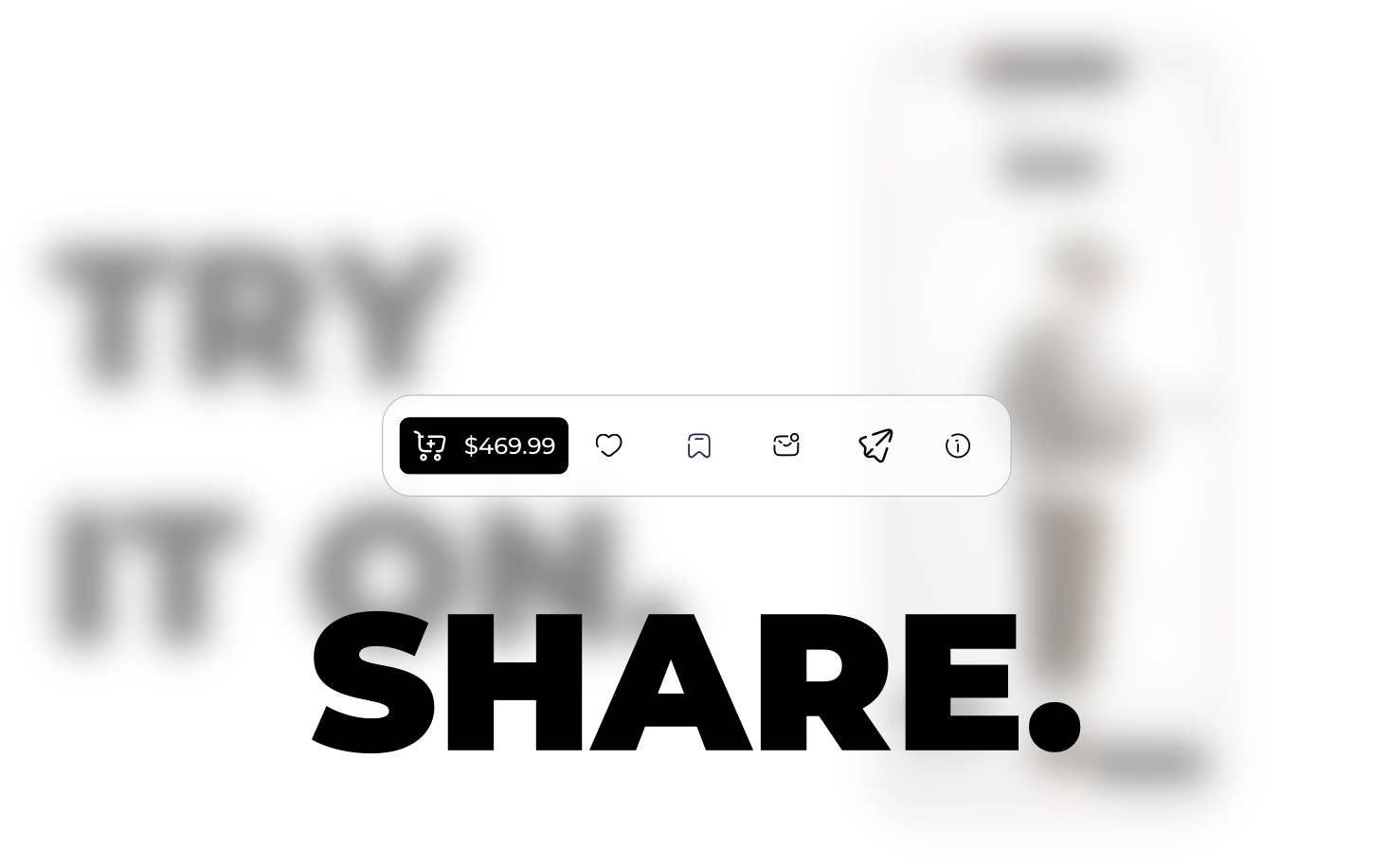
Share lets you send an outfit, clothing item, or inspo outside the app or to social platforms.
You can copy a link, share an image with Haze branding, or send directly to apps like Instagram, Snapchat, WhatsApp, Telegram, X/Twitter, Facebook, TikTok, or Messages. The shared content is usually a link and optionally an image (try-on or product image).
When you see it
• Outfit or item detail: Shop 3D, Explore, or Outfit options dialog.
• Inspo post: Muse feed or Your Inspos.
• Other screens: Any location with a Share action for content.
How it works
1. Tap Share: Opens the share overlay.
2. Choose sharing method:
• Copy link : Copies the URL to clipboard.
• Share with branding : Uses the best image (try-on or product), adds Haze branding, and opens the system share sheet or saves the image.
• Social icons : Opens the chosen app with the link/message pre-filled. If the app isn’t installed, it may open the web version or show a message.
3. Close: Tap outside or the close control to dismiss without sharing.
Controls and sections
Share overlay
• Title / item name: Shows what you’re sharing.
• Copy link: Copies URL to clipboard; shows confirmation.
• Share with branding: Creates branded image and opens system share sheet.
• Social icons: Tap to open the corresponding app with pre-filled message/link.
• Close / backdrop tap: Dismisses overlay.
What gets shared
• Link: URL to the item, outfit, or inspo.
• Message: Default text like “Check out [item name] on Haze! [link].”
• Image: Try-on image or product/inspo image with branding.
Creating / editing
• Trigger Share from content. The item or inspo already exists; the overlay only sends it via link or image.
Deleting
• There is no delete. To stop sharing, simply cancel or dismiss the overlay. Once sent, control is with the recipient/app.
Tips and limits
• Try-on image: Shows your try-on if available.
• No image: Falls back to link if image is unavailable.
• Social apps: If an app isn’t installed, copy the link manually.