Shop or Shop 2D
How to browse and shop in 2D
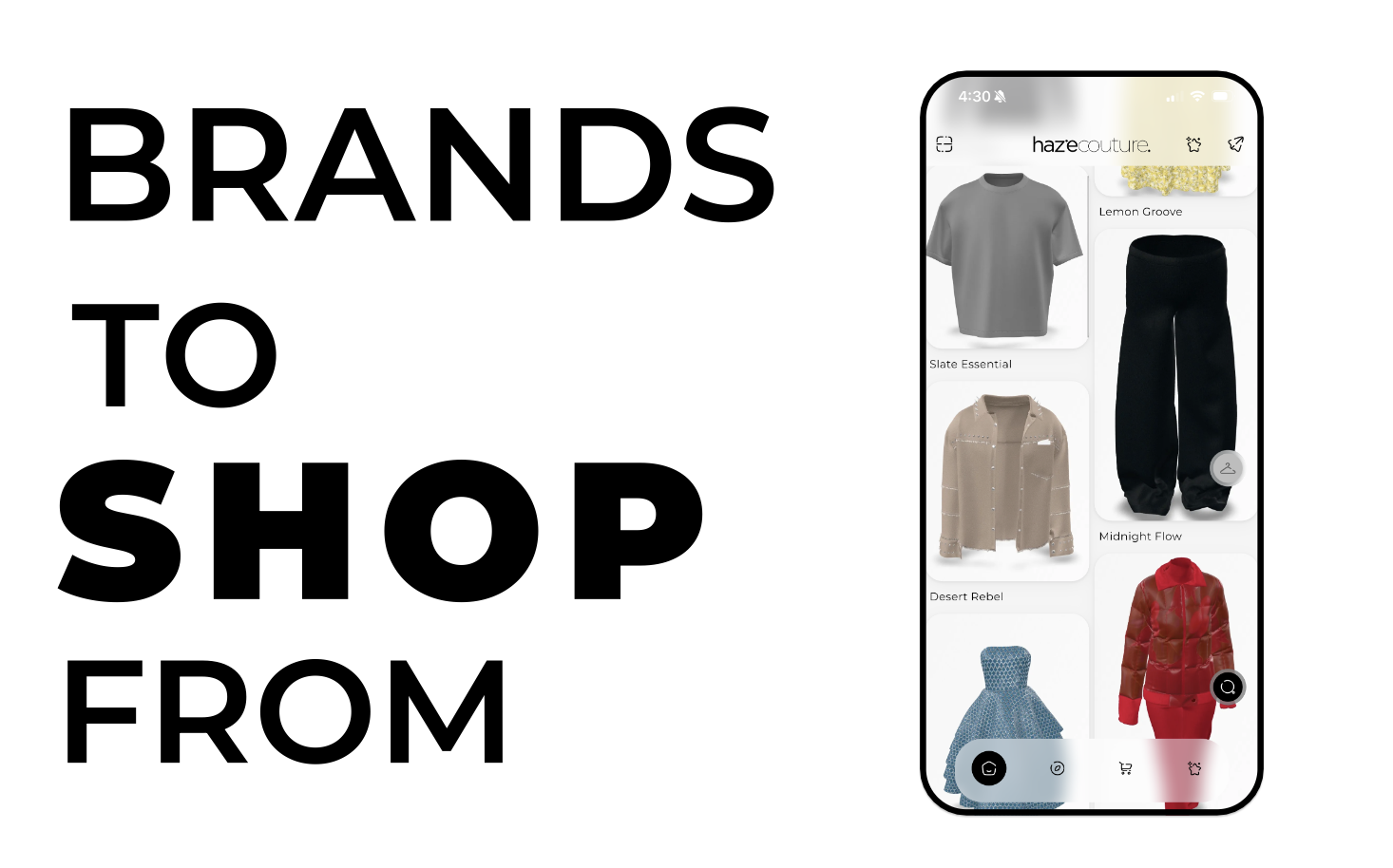
Shop is the main shopping tab of the app.
It displays a grid of outfits you can browse.
Tapping an outfit opens it in 3D view, where you can explore details, try it on, or add it to cart.
Shop is the first tab in the bottom navigation.
How to Open Shop
• Tap the Shop icon in the bottom navigation.
• After login, you may land on Shop automatically.
• In some cases, a First Looks screen may appear before the main grid.
Browsing the Shop
When the screen loads, you’ll see:
• A grid of outfit cards
• A loading animation
• Or an error/empty state
To browse:
• Scroll vertically to view more outfits.
• Pull down to refresh the feed.
Opening an Outfit
Tap an outfit card
Opens the outfit in 3D view, where you can:
• View details
• Try it on
• Add it to cart
Long-press an outfit card
Opens additional options.
Outfit Options (Long-Press)
Long-pressing a card may show:
• View in 3D: Opens the outfit in detail view
• Add to wardrobe : Save the outfit to one of your wardrobes
• Share : Share the outfit externally
• Tap outside the dialog to close
Available options may vary depending on your app version.
Using the Floating Wardrobe
On the left side of the screen, you may see a wardrobe widget.
• Tap to expand it
• Select a wardrobe
• Tap Try On to preview items
• Tap Open to manage that wardrobe
• Drag to reposition the widget
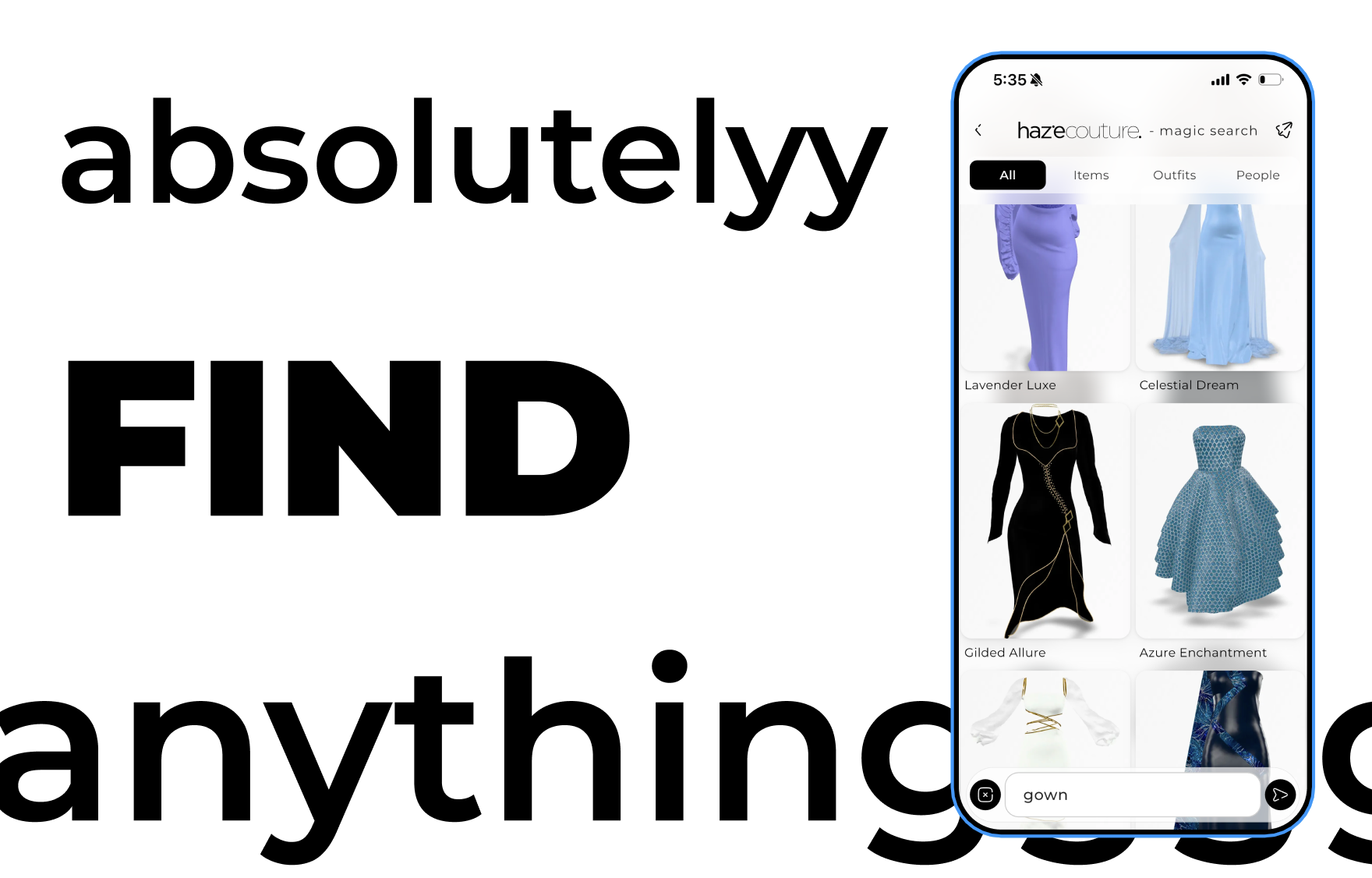
Using Magic Search
A floating search widget may appear (usually bottom-right).
Tap it to:
• Search by text
• Use voice search
Search results can open directly in 3D view.
Refreshing the Feed
To get updated outfits:
• Pull down on the grid
• Or tap the Refresh icon (if available)
Possible Messages You May See
No Outfits Available
The feed is empty. Try refreshing.
No Results Found
If you searched, no outfits matched your query.
Something Went Wrong
A loading error occurred. Tap Try Again.
What You Can and Can’t Do
You can:
• Browse outfits
• Open outfits in 3D
• Add outfits to wardrobes
• Share outfits
You cannot:
• Delete outfits from the main feed
• Create new outfit cards
The feed content is provided by the app.