HelpMay 19, 2026
How to manage your Cart
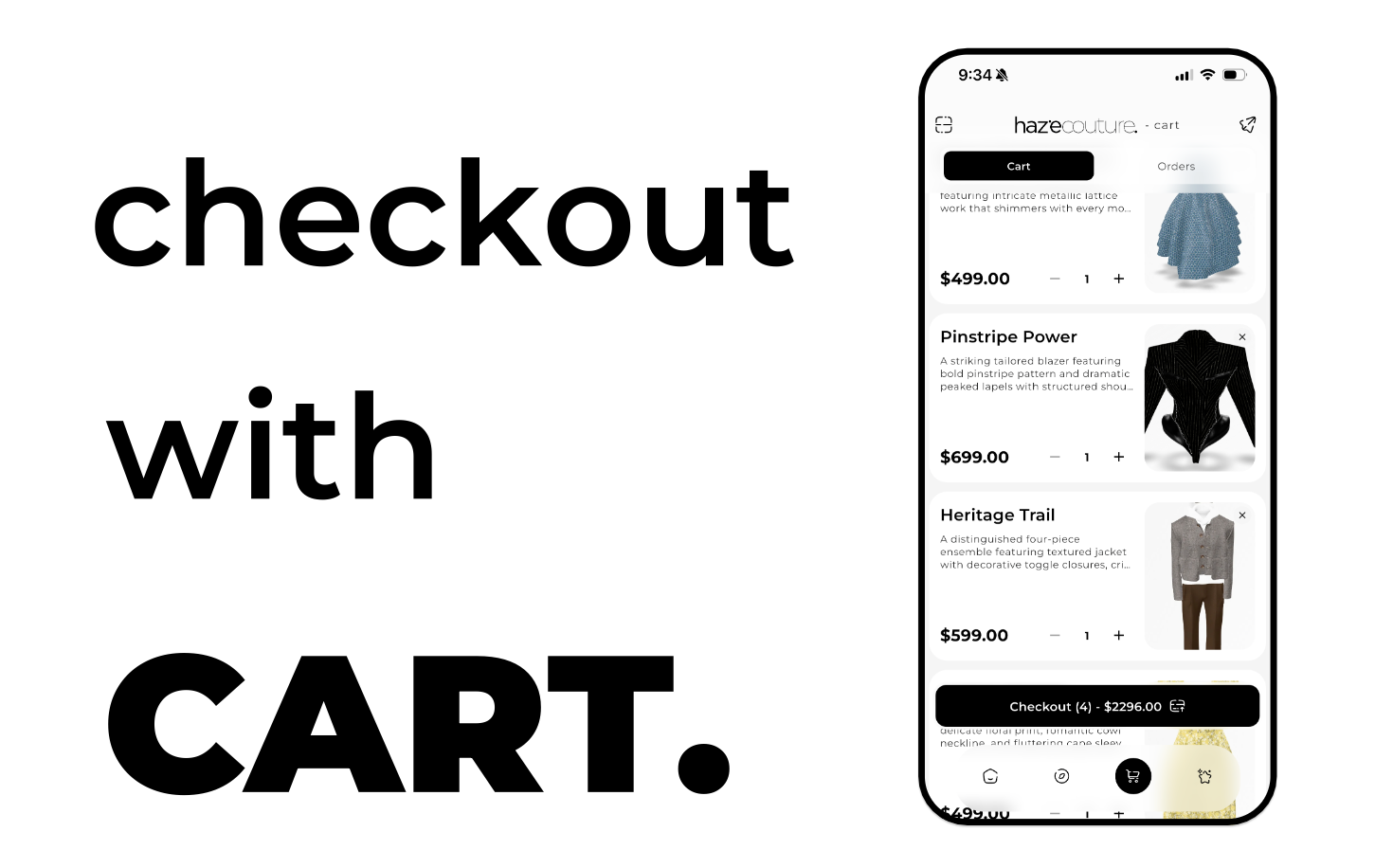
The Cart is where you review and manage items you plan to purchase in Haze. Update quantities, remove items, search within your cart, and proceed to checkout when you’re ready.
Read more - help
The Cart is where you review and manage items you plan to purchase in Haze. Update quantities, remove items, search within your cart, and proceed to checkout when you’re ready.
Read more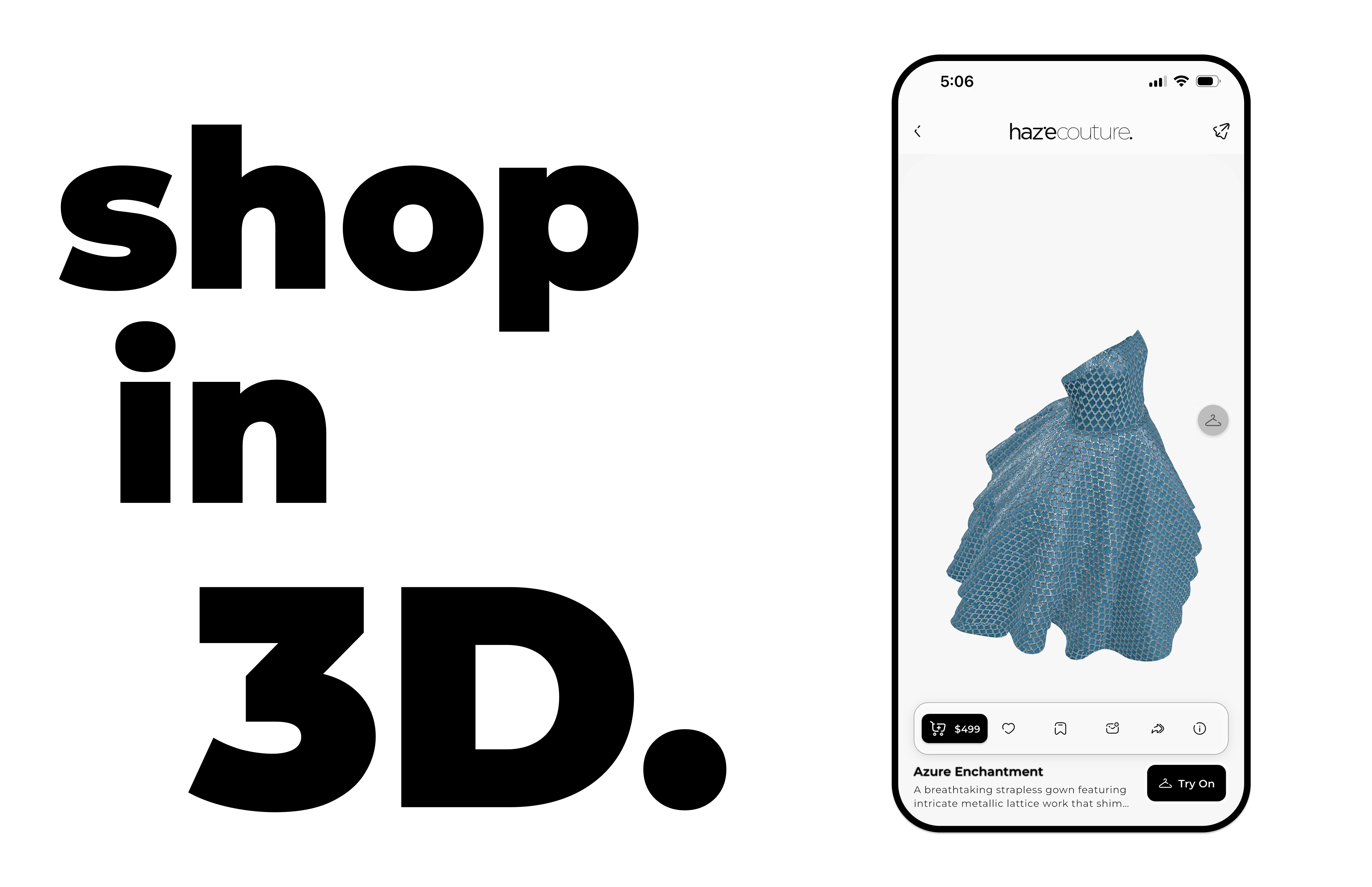
Shop 3D lets you explore outfits in full detail. Rotate, zoom, and try items on your body scan, select sizes, save favorites, and add them to your cart for a personalized shopping experience.
Read more
Logging in gives you access to your Haze account and personalized shopping experience. Sign in with your email and password, Google, Apple, or biometrics to continue.
Read more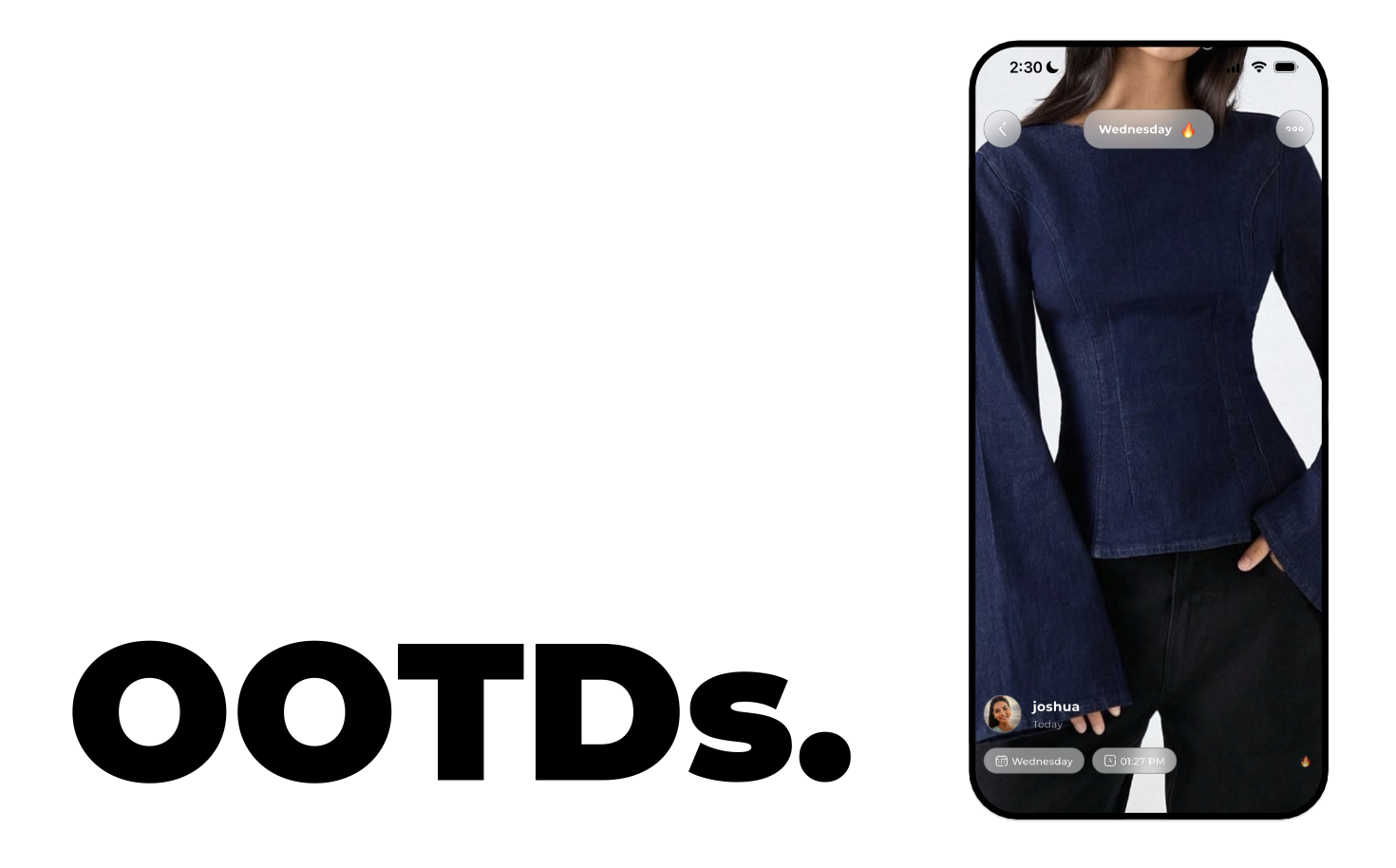
OOTDs (Outfit of the Day) let you log what you wore or plan to wear each day. Track your outfits, add notes, and maintain your daily OOTD streak in Muse.
Read more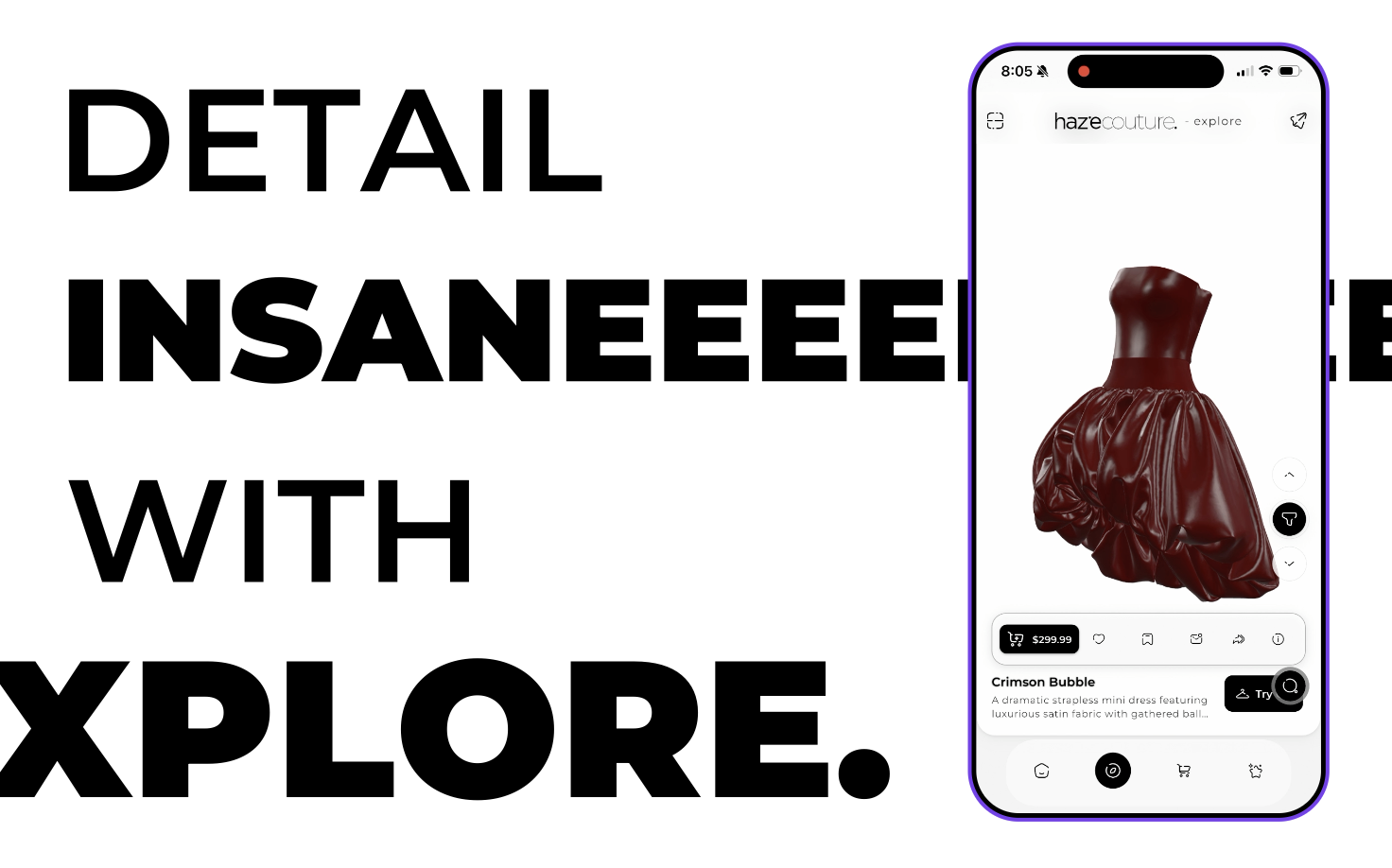
Explore is Haze’s discovery feed where you can browse curated outfits, discover trending looks, and interact with styles you like. Swipe through outfit pages, filter categories, and open items to try on or shop.
Read more
Share lets you send outfits, clothing items, or inspo from Haze to friends or social platforms. Copy a link, generate a branded image, or share directly to apps like Instagram, WhatsApp, or X.
Read more